
Vetiu editorial · 3 min read
How to make a customer support knowledge base easier to search
Clear titles, complete rules and source-linked answers help agents find information they can trust during a live ticket.
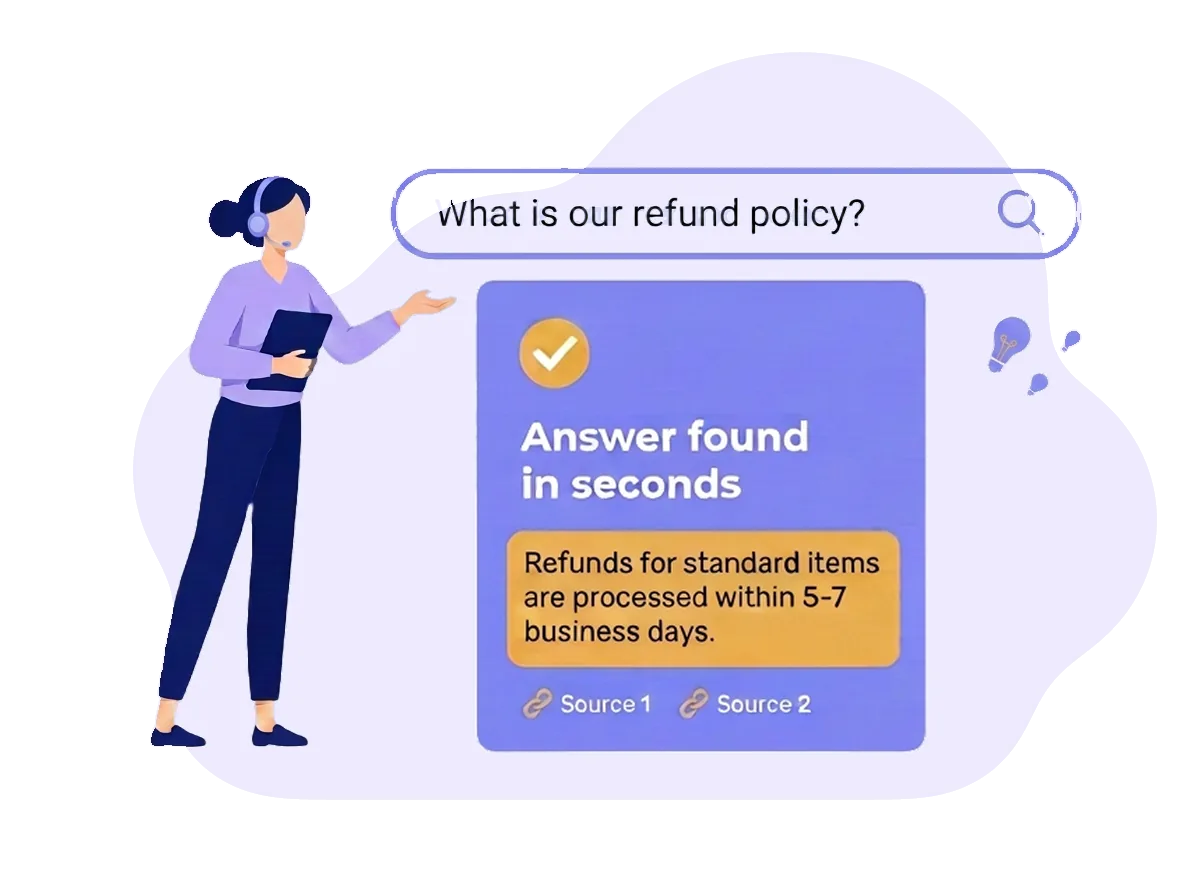
Search starts with the article
If an agent searches for “parcel not delivered” and the only relevant page is called “Logistics exception handling”, finding the answer becomes unnecessarily difficult. Good search begins with the language people use and with an article that actually explains the situation.
Use specific, recognisable titles and include common terms naturally in the text. An article about a missing delivery should distinguish a late parcel from one marked delivered but not received, and explain the next action for each. Better wording cannot compensate for a missing policy.
Make each answer usable on its own
Put the short rule first, then the steps, exceptions and escalation path. Include the limits that affect the decision: timing, approval, eligibility and required evidence. Avoid an isolated instruction such as “follow the normal process” when the reader may not know what that process is.
Link related articles rather than paste the same rule into several pages. An agent should be able to verify an answer without hunting through disconnected notes or deciding between conflicting copies.
Use direct search and Ask AI for different needs
Keyword search is useful when an agent knows a title, term or topic and wants to open the article directly. Vetiu’s direct keyword search does not consume AI credits. Folders and topic filters also help people browse when they are still learning the structure.
Ask AI is useful when the situation is easier to describe as a question. Vetiu selects relevant workspace content and returns an answer with source links rather than sending the entire knowledge base for each request. AI requests use the workspace’s shared credits. The answer is still dependent on the available content and should be checked, especially for sensitive decisions.
Test real questions, not just article titles
Use fictional examples when testing. Customer names, email addresses and other personal details are rarely needed to ask a policy question and should not be pasted into search unnecessarily.
- Try the language a new hire uses, including common abbreviations and customer terms.
- Ask about exceptions: a late return, a partial refund or an incomplete verification.
- Open the cited source and check whether it actually supports the answer.
- If the answer is missing or contradictory, improve the source instead of only rephrasing the query.
Maintain the knowledge behind the results
Review the issues surfaced in AI Insights alongside feedback from agents. Repeated unresolved questions may point to missing material, unclear wording or access that prevents the right content being found. Search logs are a clue to investigate, not proof of a particular cause.
Use those signals to prioritise content updates, then test the same scenarios again. Faster searching can support shorter handling time, but ticket complexity and other tools also affect that outcome. Measure it in your helpdesk rather than claiming a guaranteed reduction from knowledge search alone.